
Browser 3D editor for 3D printing
Create 3D models in your browser.
SolidPrompt is a 3D modeling workspace that runs in your browser. Sketch profiles, build solids, combine and refine them, then export a file your slicer is ready for.
- Units
- Millimetres
- Export
- STL, 3MF, OBJ, STEP
- Runs in
- Your browser
- Languages
- 13 languages
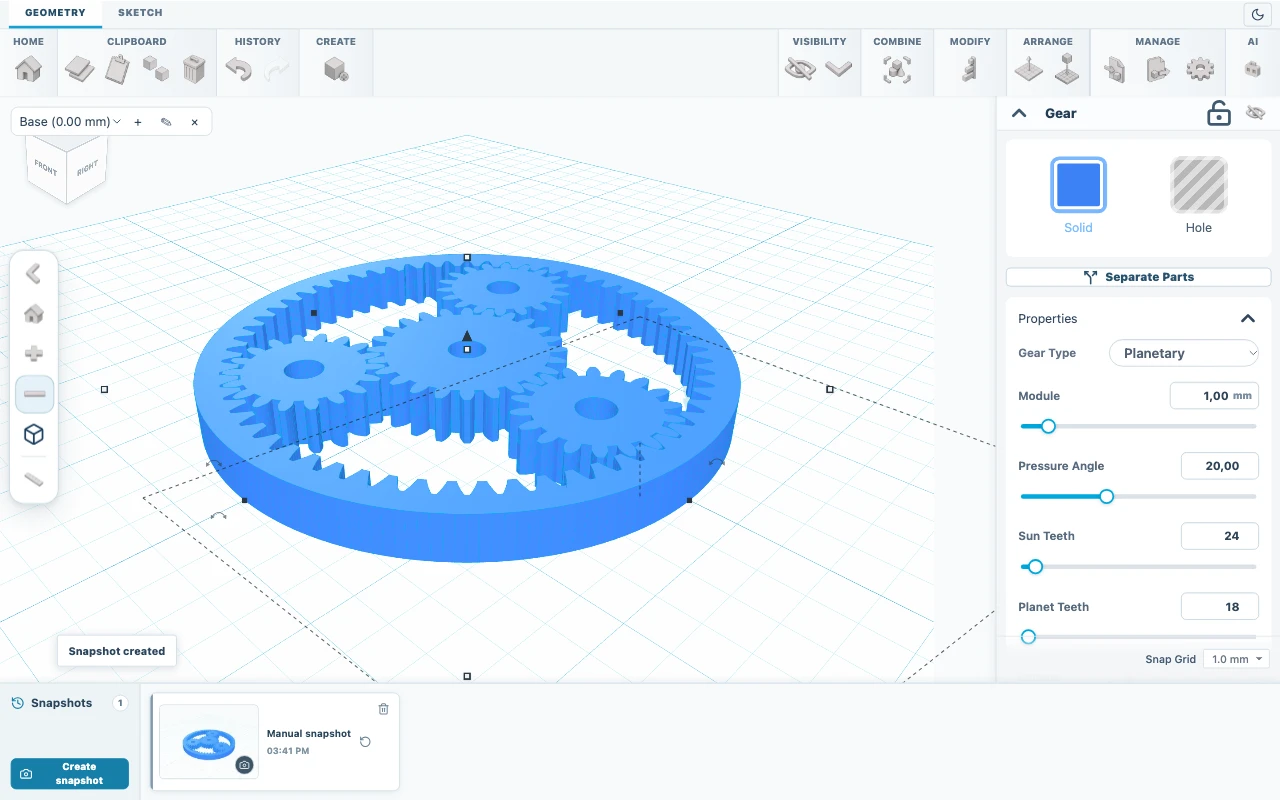
Workflow
From first line to print-ready file.
Sketch
Draw lines, Bézier and smooth curves on a grid. Trace over a reference image and measure as you draw.
Shape
Extrude or revolve a profile into a solid, or start from boxes, cylinders, spheres, cones, tori and text.
Combine
Join, cut and intersect solids. Group, mirror and pattern parts, then round edges with fillets and chamfers.
Export
Download STL, 3MF or OBJ for your slicer, or STEP B-Rep for supported solids.
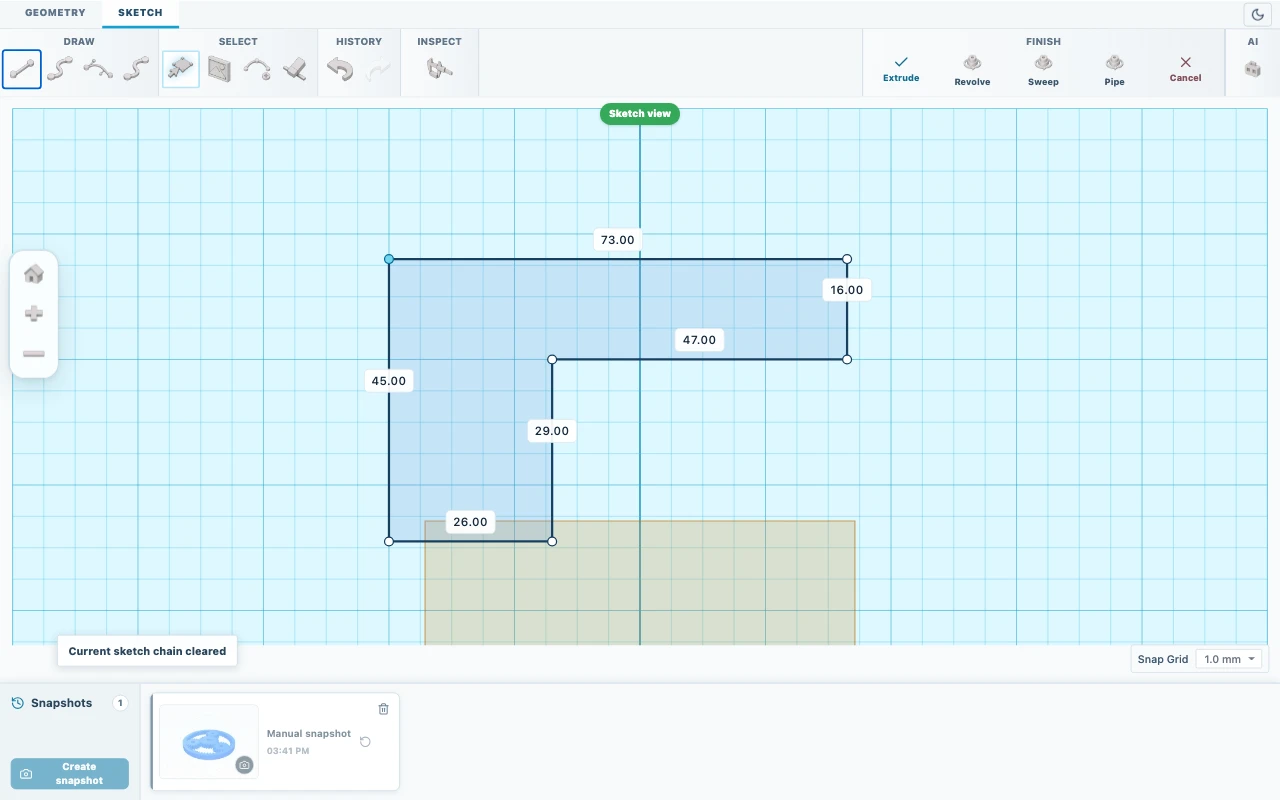
Toolset
Organized like a workshop.


- Create
- Box, cylinder, sphere, cone, torus, pyramid, wedge, tube, text, extrude, revolve, loft, sweep
- Combine
- Boolean union, cut and intersection, group, mirror, pattern
- Modify
- Fillet, chamfer, shell, surface texture
- Measure
- Millimetre units, snap to grid, workplanes, point-to-point measurement
- Import
- STL, STEP, DXF, SVG and reference images
- Export
- STL, 3MF, OBJ, STEP B-Rep and editable .skf projects
Built around the print.
Real dimensions
Every value is in millimetres, with grid snapping and workplanes you can raise, name and reuse.
Exact where it counts
Boxes, cylinders, spheres and cones export as exact STEP geometry for CAD tools that need it.
Safe to experiment
Undo, redo and project snapshots bring back any earlier state of the model.
Order on 3dstisk.cz
Buy 365 days of SolidPrompt access while signed in to your 3dstisk.cz account.
Sign in here
Use the same 3dstisk.cz account. Access is linked to the account that placed the order.
Open the workspace
Start a project in the browser. Nothing to install.
Guides
Create an L-bracket with a screw hole
Model a 60 x 40 x 40 mm L-bracket with 4 mm walls and a 5 mm screw hole from two boxes and a cylinder, then save and export it.
Edit an STL: lay it flat and add a hole
Import an STL, check its size in millimetres, lay it flat, inspect the mesh, cut a 4 mm hole and resize it evenly. Practice with the included plate.
Export a model for 3D printing
Choose between 3MF, STL, OBJ, STEP, SVG and editable SKF, export only the parts you need and open the file in your slicer.