
Features
Every tool a printable part needs, in one browser tab.
Two connected workspaces: a geometry editor for solids and a sketch editor for precise profiles.
Geometry editor
Build solids, combine them and refine every edge.
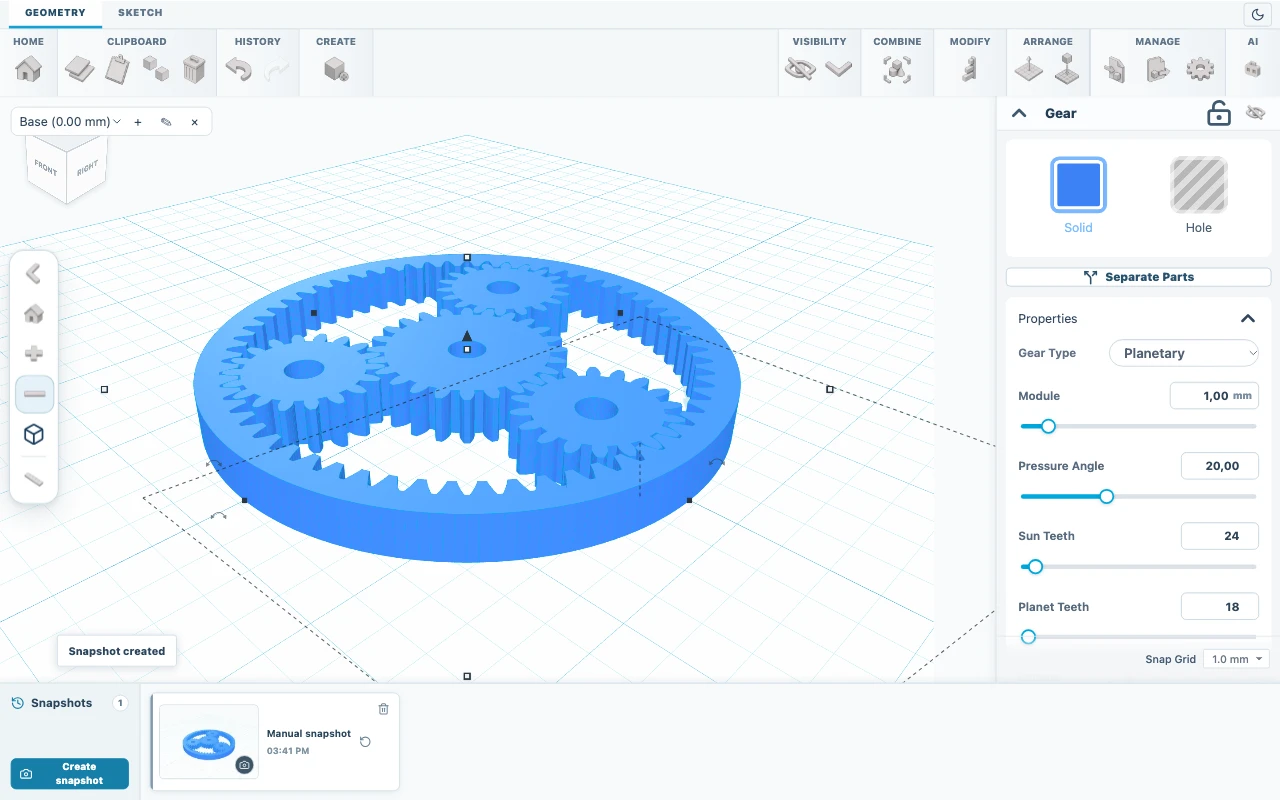
- Primitives
- Box, cylinder, sphere, half sphere, cone, torus, pyramid, wedge, tube, ring, polygon, icosahedron and text.
- Solids from profiles
- Extrude, revolve, loft and sweep sketched profiles.
- Booleans
- Union, cut and intersection between any selected solids.
- Edges and walls
- Fillet and chamfer edges, shell solids, apply surface textures.
- Arrange
- Group, mirror and pattern parts; duplicate, copy and paste.
- History
- Undo and redo changes; save and restore project snapshots.
Sketch editor
Draw the profile first, then turn it into a solid.
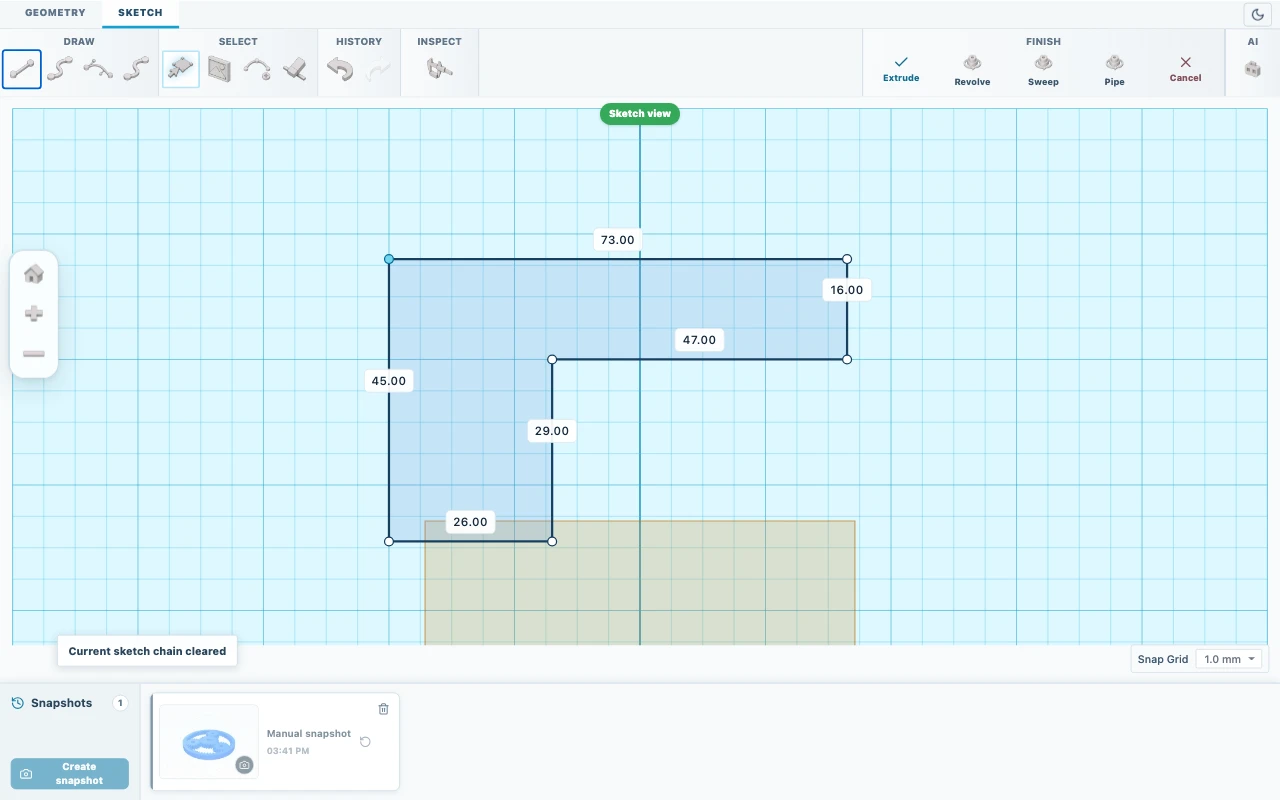
- Draw
- Lines, Bézier curves and smooth curves.
- Edit
- Select, move, add or remove points, erase segments.
- Reference
- Place an image under the sketch to trace a real part or drawing.
- Measure
- Check distances directly on the sketch.
- Sketch to 3D
- Turn a closed profile into a solid and keep editing the sketch.
Precision
Dimensions you can trust when the part meets the printer.
- Millimetres
- Positions, sizes and elevations are entered and shown in millimetres.
- Snap to grid
- Snap shapes to the visible grid for repeatable placement.
- Workplanes
- Create named workplanes at any elevation or on top of a shape.
- Measurement
- Measure the distance between any two points on the model.
Files
Bring in existing geometry and hand off clean files.
- STL
- Import meshes and export print-ready meshes.
- STEP
- Import STEP; export exact B-Rep for boxes, cylinders, spheres and cones.
- 3MF
- Export models for compatible slicers.
- OBJ
- Export meshes for other 3D tools.
- DXF and SVG
- Import 2D outlines as a starting point.
- .skf project
- Save and reopen editable projects, including on another computer.
Workspace
Open a tab and start modeling.
- In the browser
- No installation. Works best in a current desktop browser.
- Local projects
- Projects are saved in your browser on this device.
- Light and dark
- Switch between light and dark workspace themes.
- 13 languages
- The interface is available in 13 languages.
Ready to model your next part?
365 days of access with your 3dstisk.cz account.
Guides
Create an L-bracket with a screw hole
Model a 60 x 40 x 40 mm L-bracket with 4 mm walls and a 5 mm screw hole from two boxes and a cylinder, then save and export it.
Edit an STL: lay it flat and add a hole
Import an STL, check its size in millimetres, lay it flat, inspect the mesh, cut a 4 mm hole and resize it evenly. Practice with the included plate.
Export a model for 3D printing
Choose between 3MF, STL, OBJ, STEP, SVG and editable SKF, export only the parts you need and open the file in your slicer.